
Payanywhere Smart Point of Sale · PAX E600 Mini
Your screen on one side. Theirs on the other.
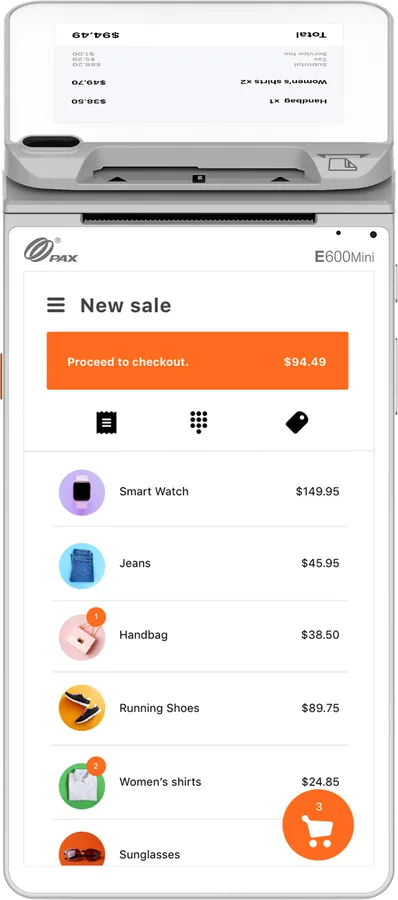
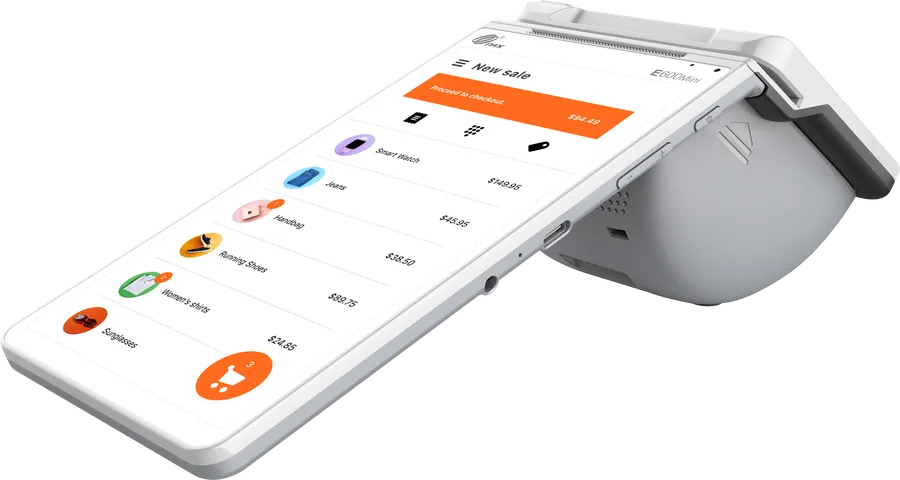
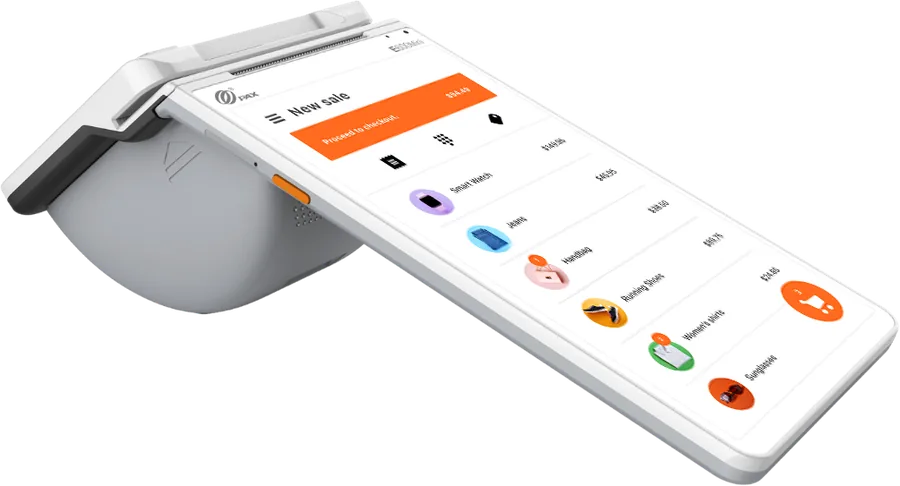
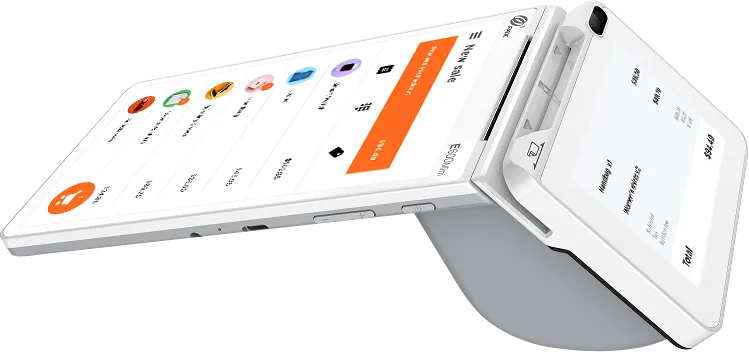
A countertop point-of-sale with a 7" touchscreen for staff and a second display facing the customer, plus a built-in printer and barcode scanner. The customer watches the order come together, then pays the cash price or the card price about 3.5% higher.
Relax. LaVon handles the whole thing, and once you're live he's a call or text away. Not a call center.
Who it's for.
The Smart Point of Sale fits a counter where you want the customer to see what you're ringing before they pay.
Ice cream and dessert shops
Customers watch both totals appear while you're still scooping. Dual pricing for ice cream shops →
Counter-service restaurants
Ring the order, send it to the kitchen in Quick Service mode, and let guests see the total. Dual pricing for restaurants →
Front desks
Salons and professional offices checking clients out at a desk. Dual pricing for salons and spas →
Want a full register with an 11" screen and cash drawer? Look at the Core. Prefer physical keys? The Smart PINPad Pro pairs a keypad terminal with a customer PIN pad.
A closer look.
How dual pricing works on it.
You ring the sale once. The Smart Point of Sale works out both totals from the cash price you entered, and the customer picks how to pay.
| Example | Cash price | Card price |
|---|---|---|
| Sundae | $6.75 | $6.99 |
| Lunch special | $12.50 | $12.94 |
| Haircut and color | $95.00 | $98.33 |
- Tips: a tip is added to the total the customer chose.
- Receipts: the receipt shows the price the customer actually paid.
- Refunds: a refund goes back at the price the customer paid, card or cash.
- The notice: you post North's customer notice at the entrance and the register, and we show you where it goes for your state.
Specs.
| Model | PAX E600 Mini, running the Payanywhere app on Android |
|---|---|
| Staff screen | 7" touchscreen |
| Customer display | 3.5" customer-facing display |
| Printer | Built-in thermal receipt printer |
| Scanning | Built-in barcode scanner |
| Connectivity | 4G and Wi-Fi; Ethernet with the optional dock |
| Payments | Chip, tap (contactless cards and mobile wallets), swipe, PIN debit, EBT |
| App modes | Terminal, Retail and Quick Service; tips, open tabs, offline payments |
Specs from Payanywhere, North and manufacturer product information and may change with hardware revisions.
What it costs.
| Payanywhere software | $34.95/month per device |
|---|---|
| One-time setup | $49.95 |
| Edge program fee | $9.95/month, starting in your fourth month |
| Total from month four | $44.90/month |
| The device | Free for qualifying merchants (terms below), or quoted in writing for your setup |
One free Payanywhere Smart device per location for qualifying merchants through December 31, 2026. Requires a $5 monthly service fee and a $25 monthly minimum. Software subscription applies.
Everything else is in your merchant agreement, and LaVon goes through it line by line before you sign. All program and device costs are on the pricing page.
Smart Point of Sale questions.
What does the customer see on their screen?
The order as you ring it and the total, so there are no surprises when it's time to pay. You never have to turn the device around to show them.
Can it send orders to the kitchen?
Yes. In Quick Service mode, orders go to a kitchen printer or kitchen display, marked dine-in, to-go or pickup.
Does it need Wi-Fi?
No. It has 4G and Wi-Fi built in, and the optional dock adds a wired Ethernet connection.
Smart Point of Sale or Core?
The Smart Point of Sale is compact and has a screen for the customer. The Core has a bigger 11" screen and supports a cash drawer and scanner, so it suits a main register with a full catalog.
Is the Smart Point of Sale right for your counter?
Tell LaVon how you take payments now. He'll tell you whether the Smart Point of Sale fits, what it costs each month, and whether you qualify for a free one.
Relax. LaVon handles the whole thing, and once you're live he's a call or text away. Not a call center.