
The device that fits your counter.
Dual pricing runs on Payanywhere devices: handhelds for tableside and the line, countertop units with printers, and a full point-of-sale. Every Payanywhere Smart device shows the card total and the cash total on the same sale. Here's the lineup, what each one costs to run each month, and which one usually fits which business.
Two minutes to start. No obligation. George takes it from there.
The Payanywhere lineup.
Software subscriptions are per device, per month. Hardware is quoted in writing for your setup.
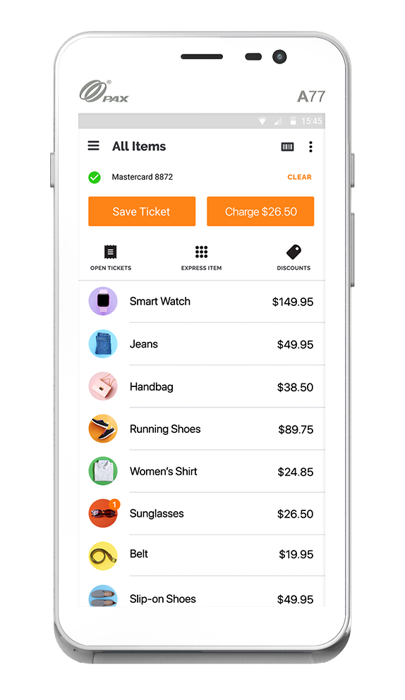
Smart Terminal Mini
A handheld that goes where the customer is.
Fits: tableside payment, busting a long line, or a small counter.
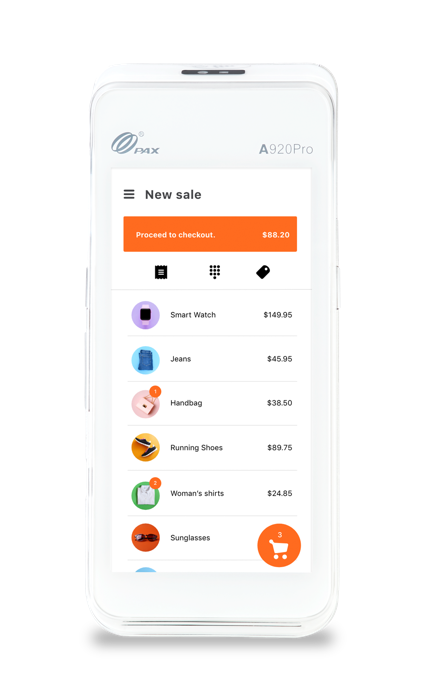
Smart Terminal
An all-in-one handheld with a built-in receipt printer.
Fits: businesses that hand over a paper receipt away from the register — at the table, the curb or the job.
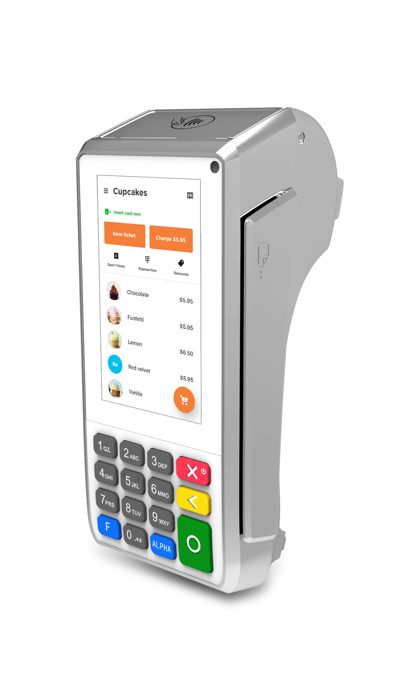
Smart Keypad
A countertop unit with a printer and PIN pad.
Fits: a fixed register where customers pay at the counter.
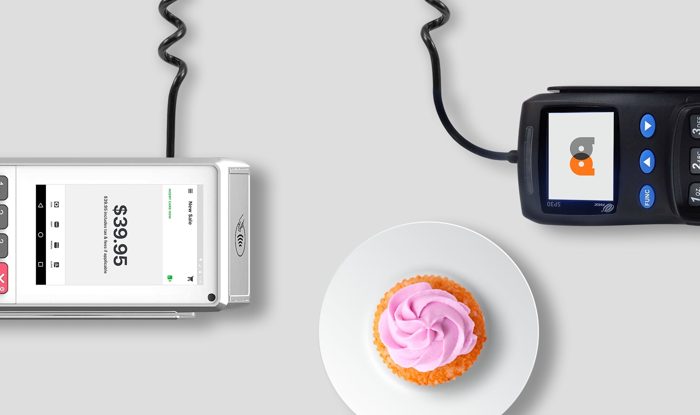
Smart PINPad Pro
A merchant screen paired with a separate customer PIN pad.
Fits: counters where staff ring on one side and the customer pays on the other.
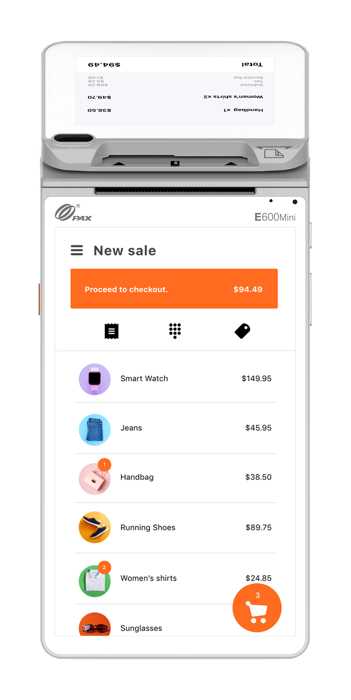
Smart Flex
A 7" merchant screen with a customer-facing display.
Fits: counters where you want the customer to see the order and both totals as you ring it.
Core
An 11" countertop point-of-sale; cash drawer and scanner available.
Fits: a main register that handles a full catalog, a cash drawer and scanning.
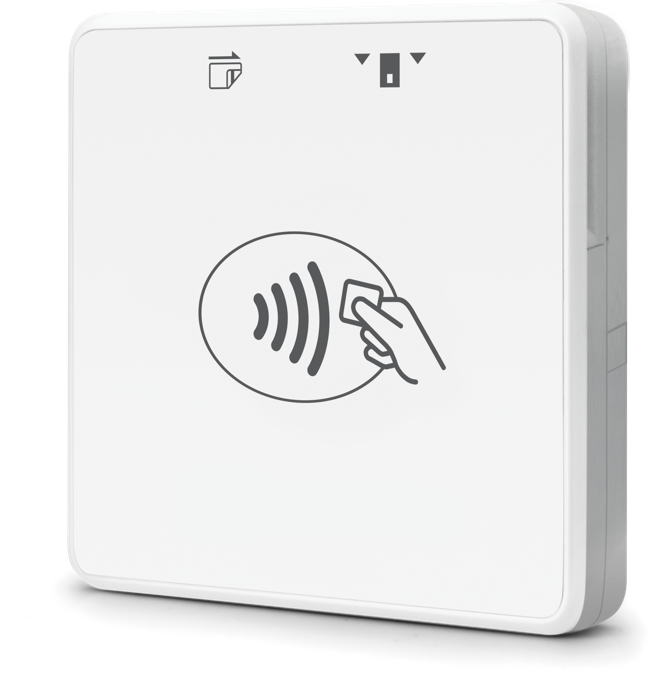
3-in-1 Bluetooth Reader
Pairs with a phone or tablet and takes chip, swipe and tap.
Fits: a pop-up table, a market stall or a second checkout point. Ask George whether this option supports your two-price setup.
Tap to Pay on iPhone
No hardware: the iPhone itself takes contactless payments.
Fits: occasional sales on the go, or a backup when a terminal is busy. Ask George whether this option supports your two-price setup.
One free Payanywhere Smart device per location for qualifying merchants through December 31, 2026. Requires a $5 monthly service fee and a $25 monthly minimum. Software subscription applies. Qualifying merchants can get one free Payanywhere Smart device per location under these terms; George will tell you whether you qualify.
Already have a terminal? Edge, the dual-price program we set up, also runs on certain cash-discount-ready traditional terminals. George will check whether yours is one of them.
One app, three modes.
The Payanywhere app runs on every Smart device. You choose the mode that matches how you sell.
Terminal
Enter an amount and take the payment. Simple, fast, nothing to set up beyond your prices.
Retail
Inventory, discounts, invoices, pre-authorizations and customer profiles.
Quick Service
Sends orders to kitchen printers or a kitchen display, and tracks dine-in, to-go and pickup.
Also available: offline payments, tips, open tabs and barcode scanning.
Payments Hub
Included with every account. Online reporting and statements, a virtual terminal for phone orders, card-on-file, chargeback dispute management, employee roles, inventory with bulk upload and a customer directory.
Selling online
Hosted checkout, or connect a WooCommerce or BigCommerce store. Online prices follow the same rule as your counter: show the card price, with cash as the discount where cash applies.
Funding
Deposits arrive the next day by default. Same-day funding is available when you batch in the evening.
Which device fits my counter?
A starting point by business type. George confirms the right setup on your first call.
| Business | Usually starts with | Why |
|---|---|---|
| Pizza shop | Smart Keypad or Smart Flex, Quick Service mode | Pickup counter, kitchen tickets, phone orders through the virtual terminal. |
| Ice cream shop | Smart Terminal Mini, plus a countertop unit if the counter is busy | Small tickets and summer lines; a handheld works the line. |
| Diner | Smart Terminal at the table, Smart Keypad at the register | Tableside receipts and a register for counter regulars. |
| Retail shop | Core with scanner, Retail mode | Full catalog, inventory, cash drawer and barcode scanning. |
| Salon or spa | Smart Flex or Smart PINPad Pro | Front desk checkout with a screen the client can see. |
| Trades and field service | Smart Terminal, or Payments Hub's virtual terminal for invoices | Paid on the job with a printed receipt, or by phone after the work. |
| Markets and pop-ups | Smart Terminal Mini, or a Smart Terminal for printed receipts | Little to carry, and both prices on the screen. |
Whatever you choose, post both prices according to card-brand rules and your state's requirements, and keep the customer notice at the register. See program and device costs on the pricing page.
Not sure which one? That's the first call.
Tell George how your counter runs. He'll recommend a device, explain the monthly cost, and quote any hardware in writing.
Two minutes to start. No obligation. George takes it from there.